
Free and open source
Your own server. Set up for you.
Get the app and add a server. LibrePortal does everything else: your private network, your passwords, your backups and your apps.
- Windows
- Linux
- Android
- No account
- No tech skills
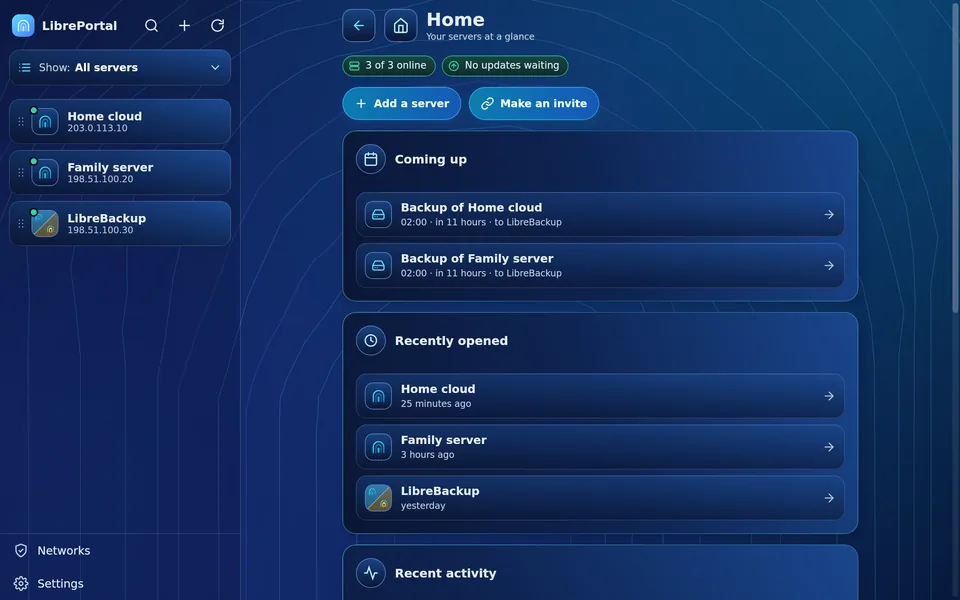
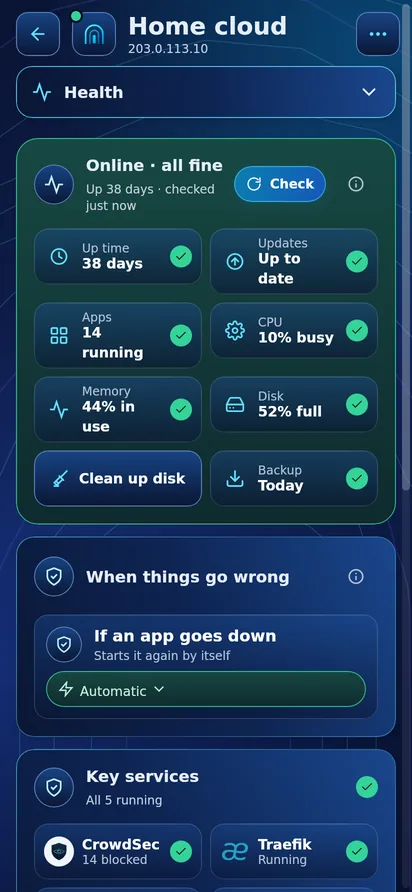
Three steps. That's all.
-
Step 1Get the appFree for your computer and your Android phone.
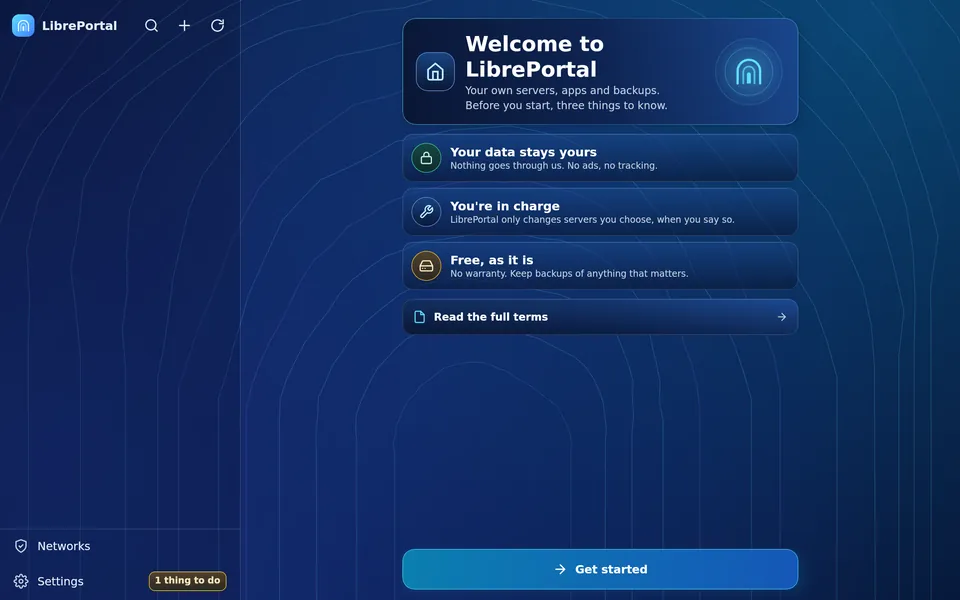
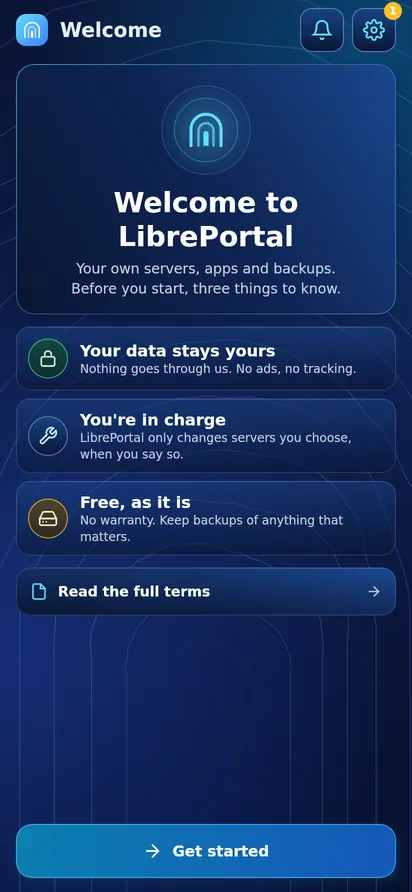
-
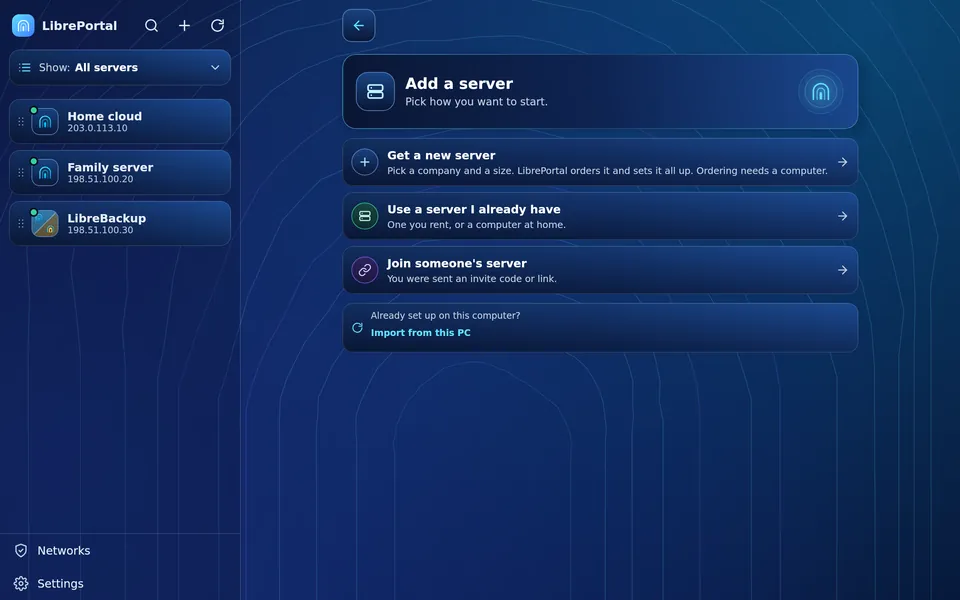
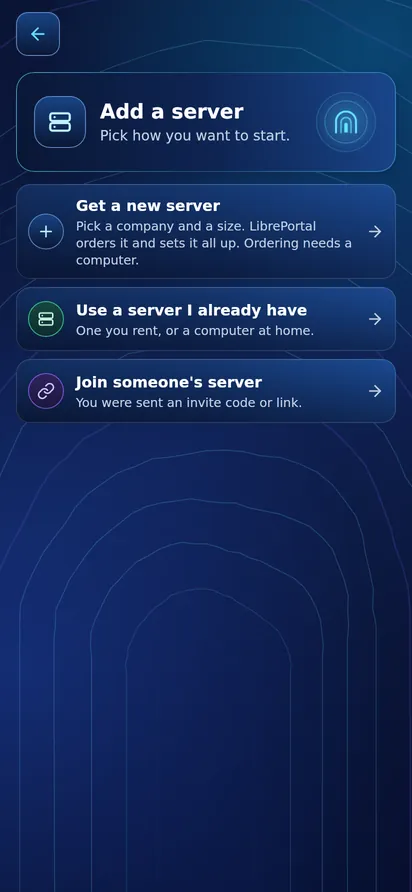
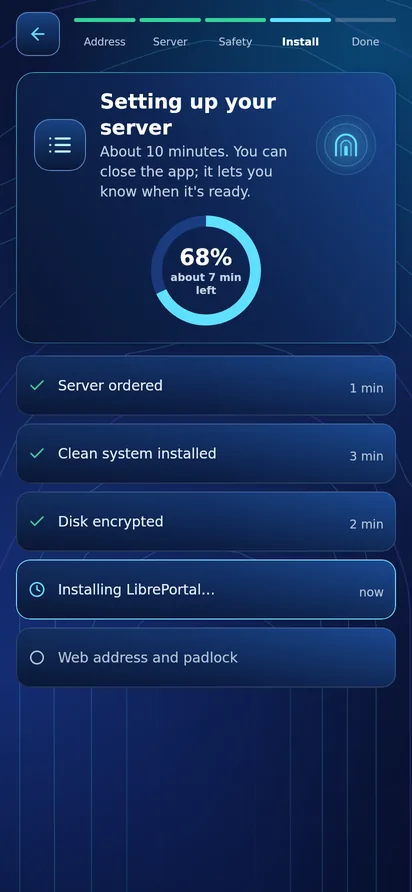
Step 2Add your serverUse one you have, or let the app rent one for you from a hosting company you choose.
-
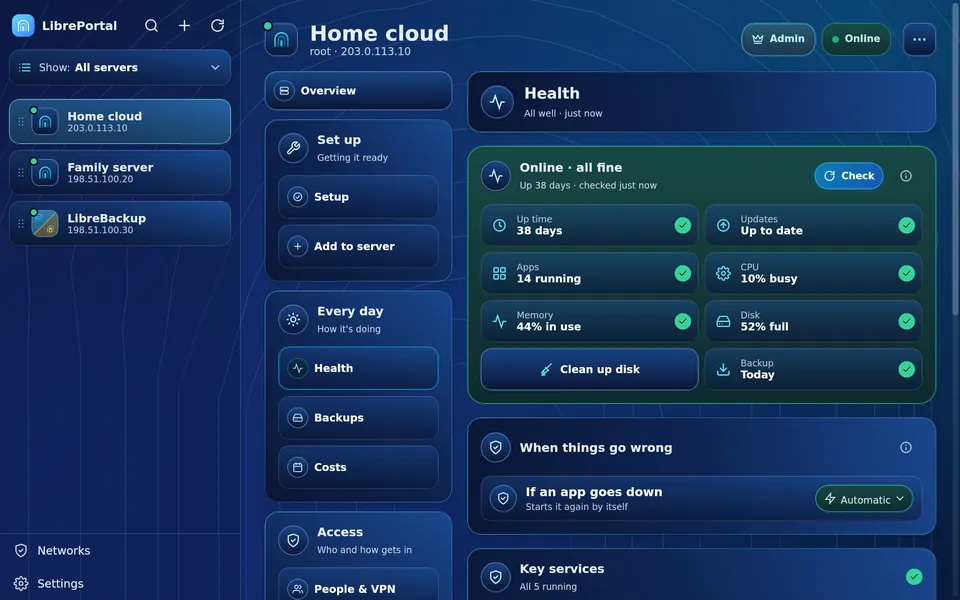
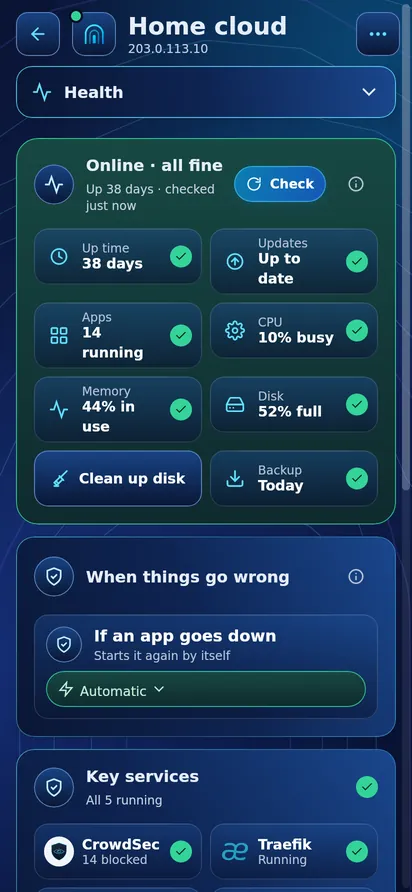
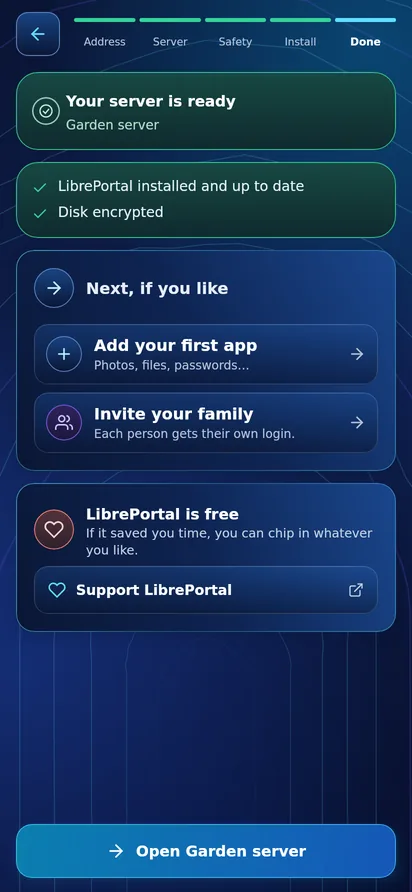
Step 3DoneThe app sets up the server and keeps it safe, backed up and up to date.
Done for you
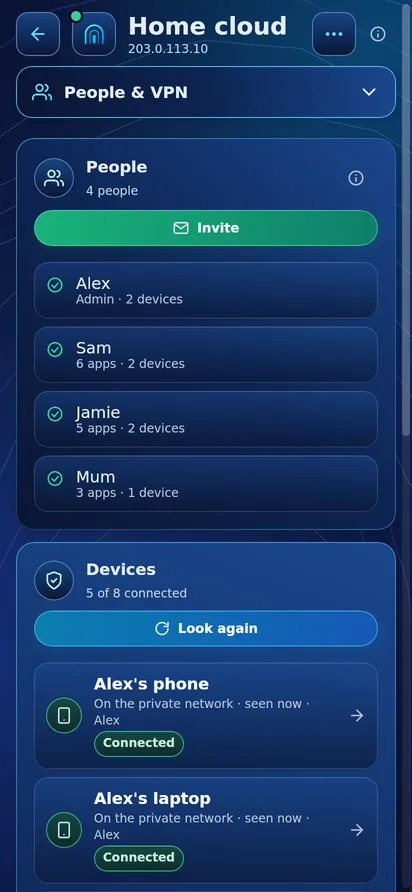
- Private networkYour phone and computer reach your server at home or away, through LibreVPN.
- PasswordsEvery password is made for you and kept in LibreVault. You remember one.
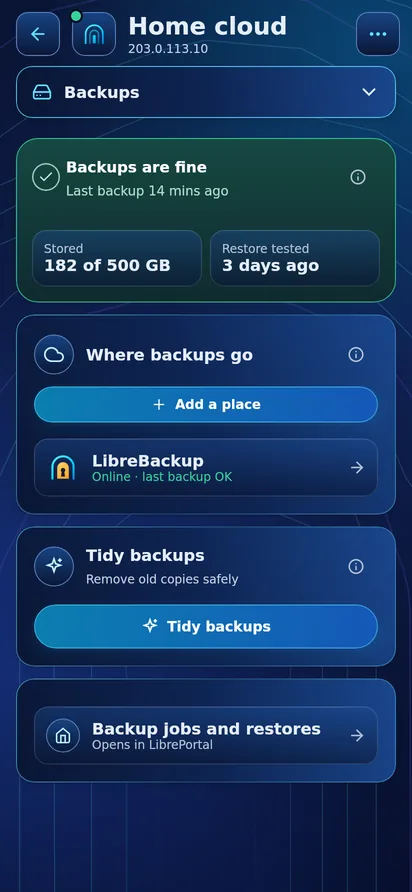
- BackupsWhole apps copied every night to another server, with LibreBackup.
- Apps in one tapInstalled, signed in and locked down for you.
- Encrypted diskYour data is locked on the disk, and unlocked from your phone.
- Health and updatesChecked every day. It only asks for you when something needs you.
One family of apps. Each does one job.
-
 LibrePortalYour servers in one app, on your computer and phone.
-
 LibreVPNThe private network between your devices and your servers.
-
 LibreVaultYour server passwords and keys, locked in a vault only you can open.
-
 LibreBackupA second server that keeps copies of your apps.
-
 LibreConnectReach a server at home without touching your router.
-
 LibrePostSend and receive mail from a server at home.
-
 LibreSyncFolders on your phone kept in step with your server.
-
 LibreMoneyA private money diary, kept on your own server.
88 apps to choose from. One tap each.
-
Photos and files
 Immich
 Nextcloud
 Syncthing
-
Films, music and books
 Jellyfin
 Navidrome
 Audiobookshelf
-
Chat, calls and mail
 Matrix
 Jitsi Meet
 Stalwart
-
Smart home
 Home Assistant
 Zigbee2MQTT
 Node-RED
-
Documents and notes
 Paperless-ngx
 OnlyOffice
 Trilium
-
Ad blocking, search and AI
 AdGuard
 SearxNG
 Open WebUI
It looks after itself. You just use it.
Your data. Your server. Your rules.
- On a server you ownYour photos, files and messages live on your server, not ours.
- No tracking, no adsEvery app in the catalogue is checked for what it sends out.What each app sends
- Free for goodOpen source under the AGPL. No paid tier and no account with us.Read the Promise
- Leave any timeYour server keeps working without the app. Nothing is locked in.
Get started. It's free.
New to this? Start here
Have a server already? Install from its command line
curl -fsSL https://get.libreportal.org/install.sh | sudo bash
LibrePortal v0.10.130